Accessibility starts with finishing the task
A calendar that only works with a mouse can prevent someone from booking an appointment. An unlabelled field makes a form difficult to complete with a screen reader. Interface accessibility is assessed through the user’s ability to finish the task with a keyboard, enlarged text and other ways of interacting.
Imagine choosing an appointment time
Imagine a fictional booking form displaying available times as coloured circles without text, with a mouse-only calendar. A keyboard user reaches it and gets stuck. Someone perceiving colours differently sees circles without knowing which are selectable.
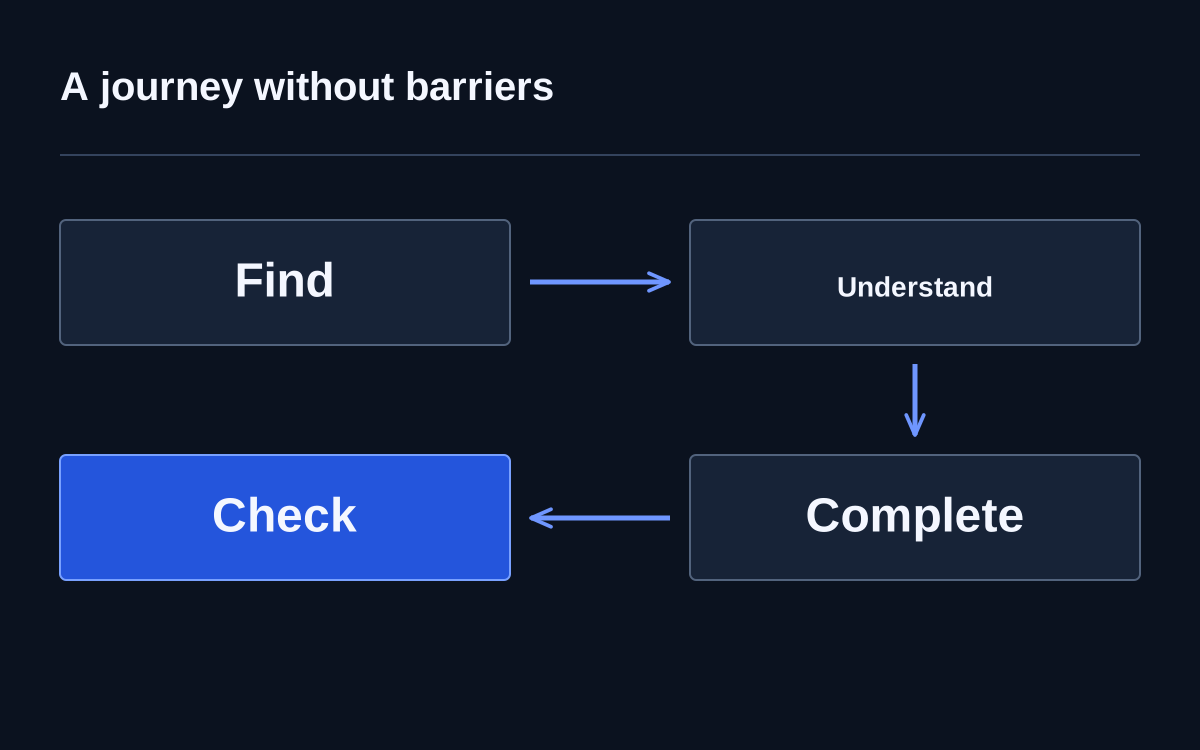
A general accessibility promise is insufficient. Options need meaningful names, understandable states and keyboard operation. After selection, confirm the specific date and time. Test the whole journey, including changing a selection and returning to a previous step.
Focus shows where the action is
Keyboard users move between interactive elements. Focus must be visible, and its order should follow the page's meaning. If it disappears behind a window or jumps unexpectedly, people lose their ability to continue confidently.
Complete the main journey without a mouse: open a menu, select an item, fill fields, correct an error and submit. Separately check closing a popup and returning focus to its trigger. Repeat this practical behaviour check after interface-component changes.
Names should explain purpose
Next may be clear in context, but several identical buttons without qualification can confuse. Fields need associated labels, and meaningful images need suitable text alternatives. Decorative images should not interrupt reading with unnecessary descriptions.
W3C's forms guidance emphasises labels, instructions, structure and feedback. Ask someone to explain an element's purpose before activating it. If this requires studying a neighbouring illustration or guessing a colour's meaning, important information is being communicated too narrowly.
An error should help people continue
Invalid data leaves people alone with the form. Identify the field, explain the expected format and preserve existing entries. In the example, an occupied time slot should require another choice, not re-entering names and contact details.
After submission, show a clear result: created, awaiting confirmation or incomplete. People should not infer success from a disappearing button. Check that enlarged text and the assistive technology in use make the message perceivable and that it stays within the accessible area.
Automated checks are part of acceptance
Tools detect some markup and presentation faults but cannot fully establish whether a journey makes sense. Add manual walkthroughs and feedback from people using different interaction methods. One successful screen does not establish accessibility across a whole site or every form state.