The timetable becomes part of a digital journey
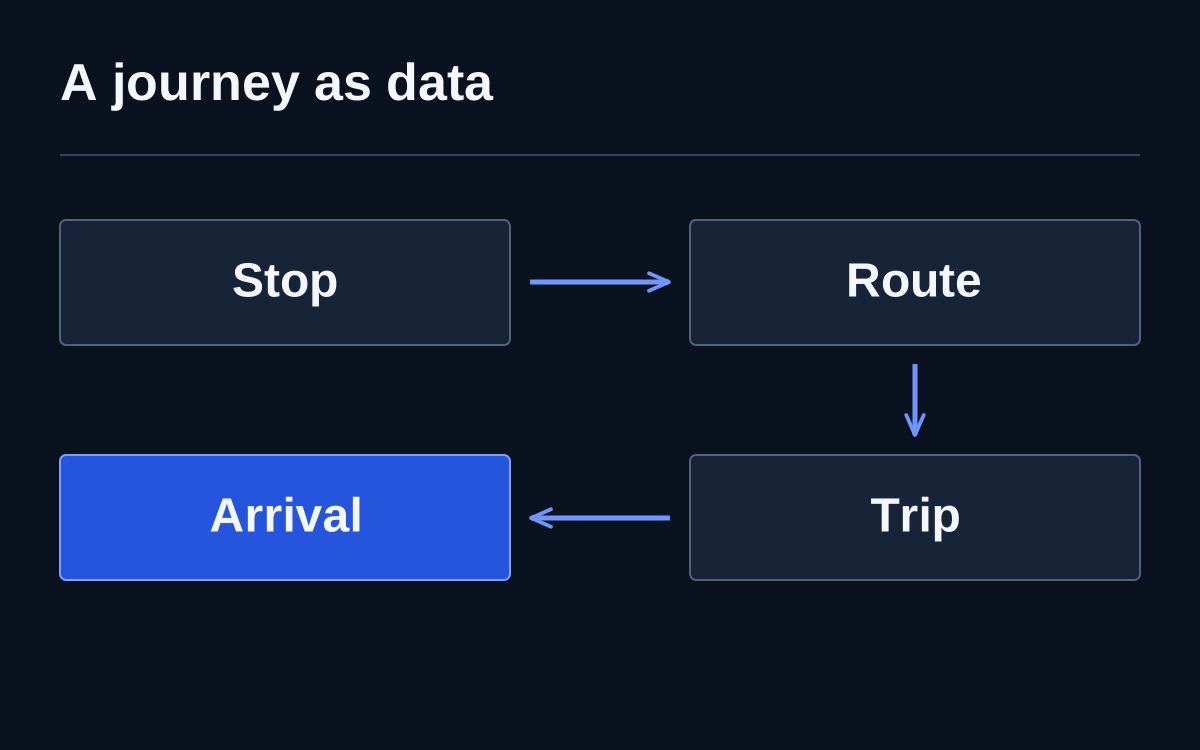
A journey planner combines stops, trips and transfers. GTFS Schedule describes planned service; GTFS Realtime provides trip changes, alerts and vehicle positions. The route depends on how well those data sources agree.
Imagine a holiday connection
Imagine travelling by bus to a tram on a Monday declared a public holiday. The main timetable describes an ordinary working week, but the calendar exception was not published. A planner constructs a technically correct route using information unsuitable for that day. The format is valid, yet the promised journey will not happen.
Begin checking with the service calendar, then the particular trip and transfer. Updating the map or improving bus-coordinate accuracy will not solve this underlying problem. The example shows why successful file loading cannot establish transport-data quality.
Identifiers connect plans with reality
To connect a current message with the correct trip, systems must agree on its identifier. If stop and route identifiers change unnecessarily with every export, recipients must reconstruct relationships. GTFS Realtime recommendations specifically discuss retaining identifiers between feed updates.
Publishing teams should check directory changes separately. Renaming a stop, temporarily moving boarding and creating a new object are different events. If they look identical, history breaks, alerts attach incorrectly and applications may show both old and new stops.
Freshness is more than a successful response
A service can successfully deliver a file containing long-outdated positions. Monitor data timestamps, trip coverage and gaps. A green endpoint-availability indicator does not establish that passengers receive current information. GTFS guidance addresses feed freshness separately.
When live information disappears, an application should clearly revert to the schedule or indicate uncertainty. A bus drawn on a map without observation age creates false certainty. Publishers and consumers should agree beforehand how to recognise stale data and what to show people.
Check the journey door to door
Choose trips with different conditions: a transfer, the last evening service, a weekend and a temporarily moved stop. Compare published schedules, alerts and actual operation. Check whether the route direction corresponds to the side of the street where passengers are told to wait.
Automated schema checks help validate required fields and relationships between files. On-site observation answers a different question: does the data reflect the service passengers receive? The checks complement each other; passing one does not prove the other's outcome.
Updates need an owner
Operators change schedules, services introduce temporary restrictions and another team publishes files. Define who reports a change, who enters it and who checks its appearance in the application people use. Publication does not necessarily mean the information has reached a passenger's route.