Access and handover
When an employee leaves, the company ends their access and transfers their work. Deleting an account can stop reports or automations owned by it. Preparation starts with an inventory of the services, documents and connections for which the employee was responsible.
Imagine a marketer's weekly report
Imagine a fictional team where a marketer set up advertising-metric exports into a shared spreadsheet and then left. Their sign-in was disabled, but nobody checked whose authority ran the export. A week later, updates stopped. Because colleagues could still open the sheet, they initially mistook old figures for fresh ones.
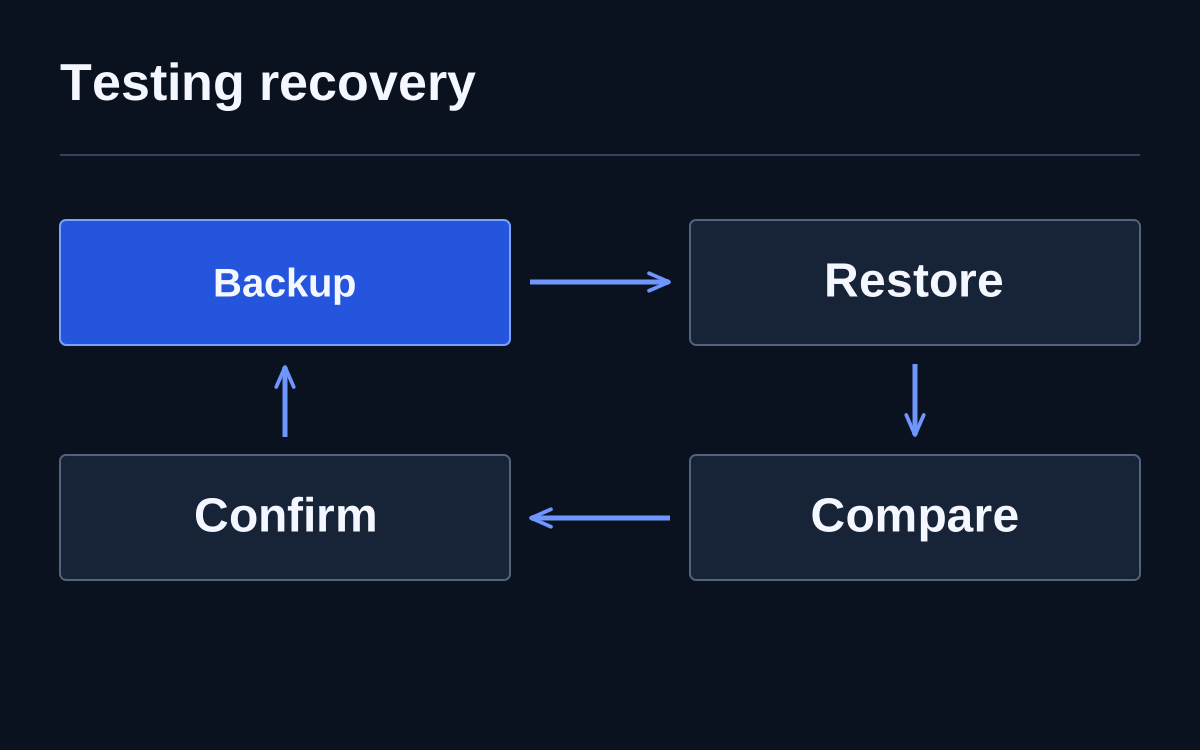
Before departure, the team should have established the sheet's owner, how the export ran and its dependency on personal permissions. Sharing the document does not necessarily transfer control of its connection. Acceptance here means a successful update under a new responsible person with a visible execution date.
Separate ownership from sign-in
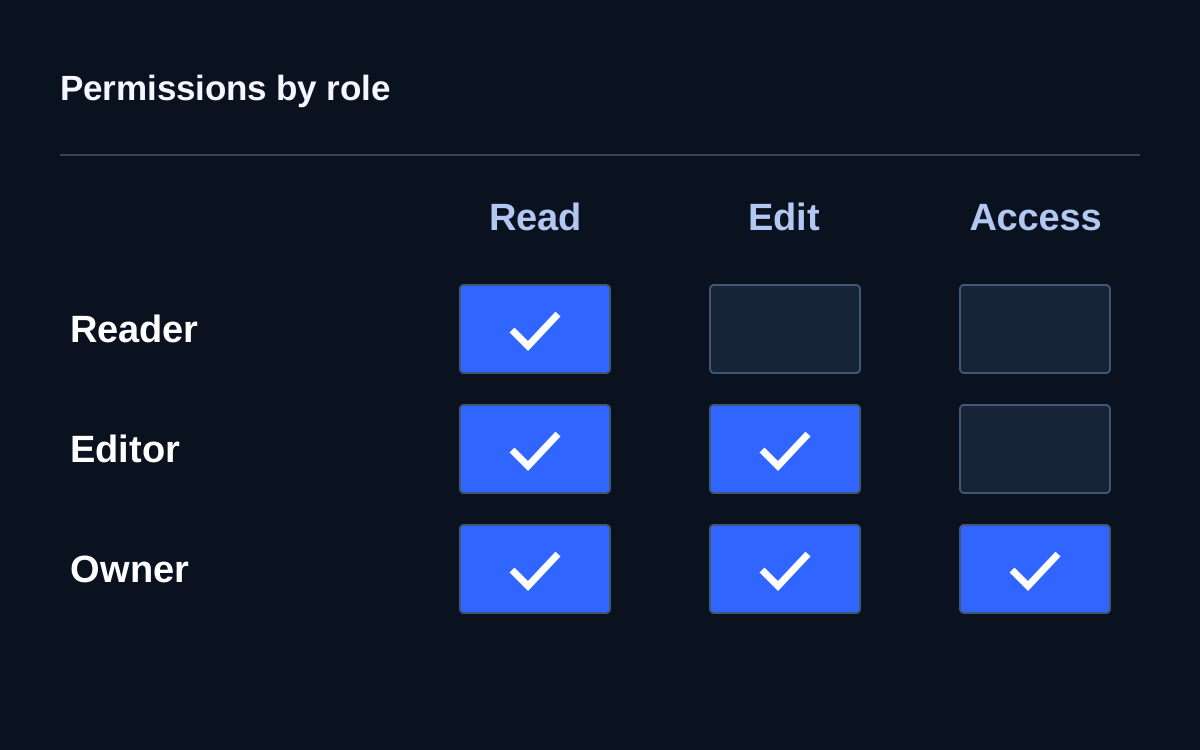
A document may belong to one work account while an entire team uses it. Identify a successor or the service's retention procedure in advance. Microsoft's Microsoft 365 guidance separately addresses blocking sign-in, preserving data and granting other employees access to necessary content.
The exact sequence depends on the product, subscription and organisational rules. Replacing the instructions with one universal delete-user command is dangerous. The process owner identifies required materials and a successor; the administrator verifies transfer methods and deletion consequences in the actual system.
What remains after disabling an account
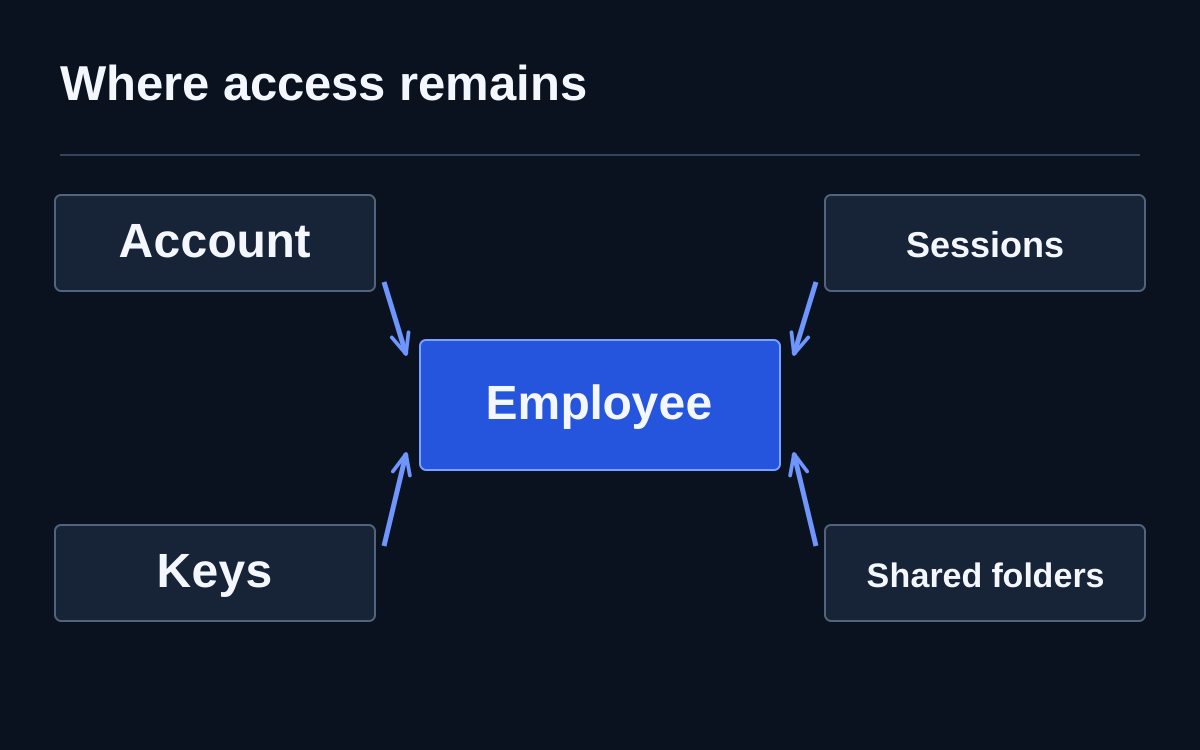
Active sessions, personal integration keys, local copies and shared sign-in methods need separate consideration. Do not assume disabling one profile automatically revokes every earlier permission. Each system requires its documented revocation mechanism and verification of the actual result.
Shared secrets are particularly awkward: remaining staff keep using them, while actions are difficult to attribute. If replacement is necessary, update dependent processes at the same time. Otherwise revocation creates a silent failure that colleagues may try to fix by restoring the old unsafe arrangement.
Confirm actions rather than collect ticks
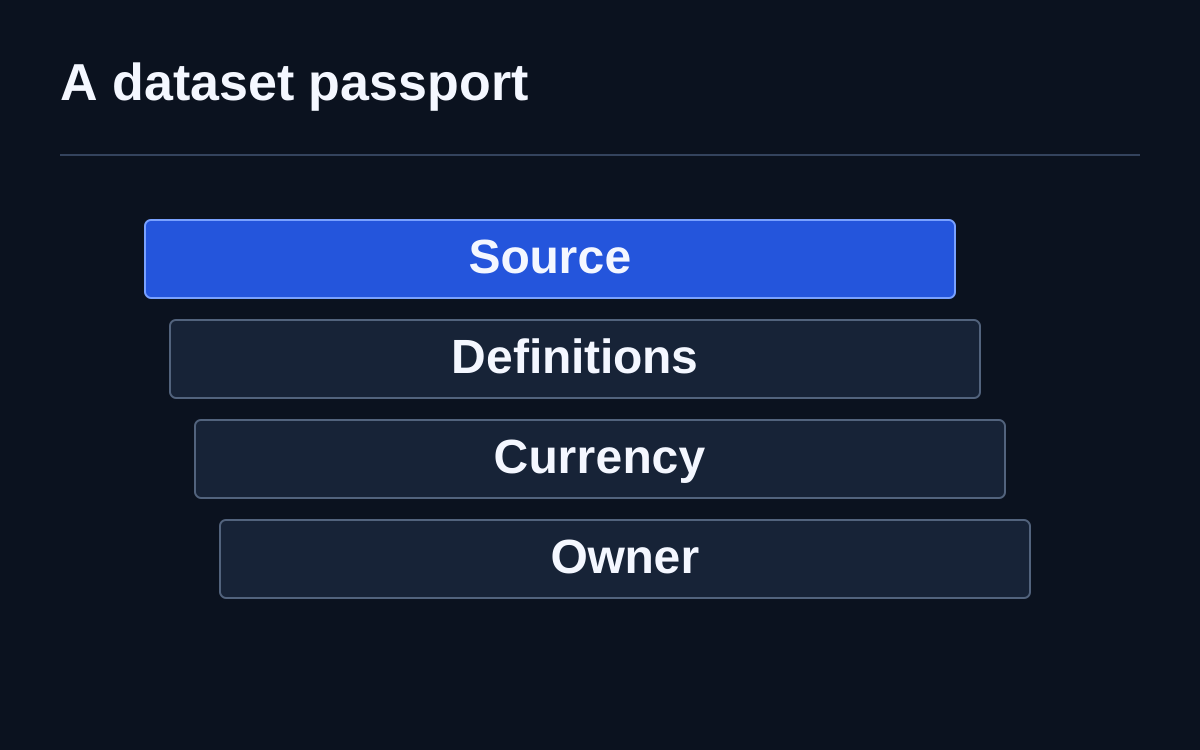
For every resource, a working checklist needs an executor, expected state and evidence. A portal may need no active user; a project, a new owner; a report, a successful run after transfer. Done without a verification target does not explain what happened.
Administrators verify under authorised conditions without signing in as the former employee. Record unknown services and exceptions separately, each with somebody responsible for investigation. An explicit unresolved item is better than apparent emptiness: it will not disappear behind an overall completion tick.
Preparation starts before departure
The most useful outcome is improving everyday organisation. Important processes get clear owners, team documents live in suitable spaces and connections are documented when created. Departure then stops being the only time an organisation tries to remember its own infrastructure.